
Garden Grow Pilot
Every plant, task and harvest — in one place.
An all-in-one assistant for gardeners of every skill level. Whether you tend a single balcony planter, a backyard vegetable patch or several allotment plots, Garden Grow Pilot keeps the plants, the schedule, the supplies, the money and the photos organised — and identifies what you are looking at when you are not sure.
A season's worth of gardening, screen by screen
Pick a step to see the screen it belongs to — or leave it running.
Everything the app does
Eight modules that share the same plants, so a watering logged in one place shows up everywhere else.
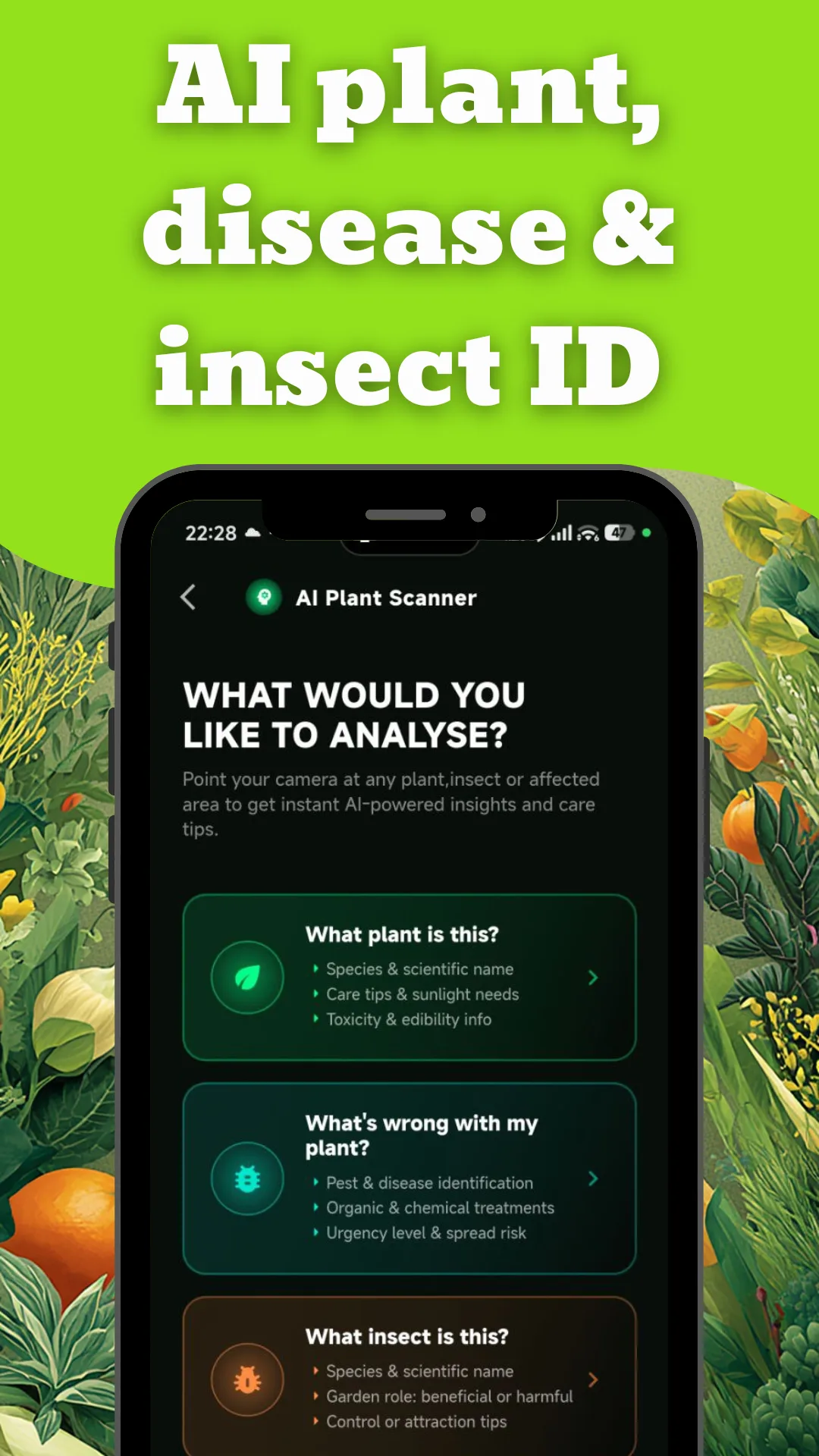
AI plant, disease & insect scan
Point the camera at any plant, affected area or bug for instant identification — species and scientific name, care tips, toxicity and edibility, treatment options, spread risk, and whether an insect helps or harms.
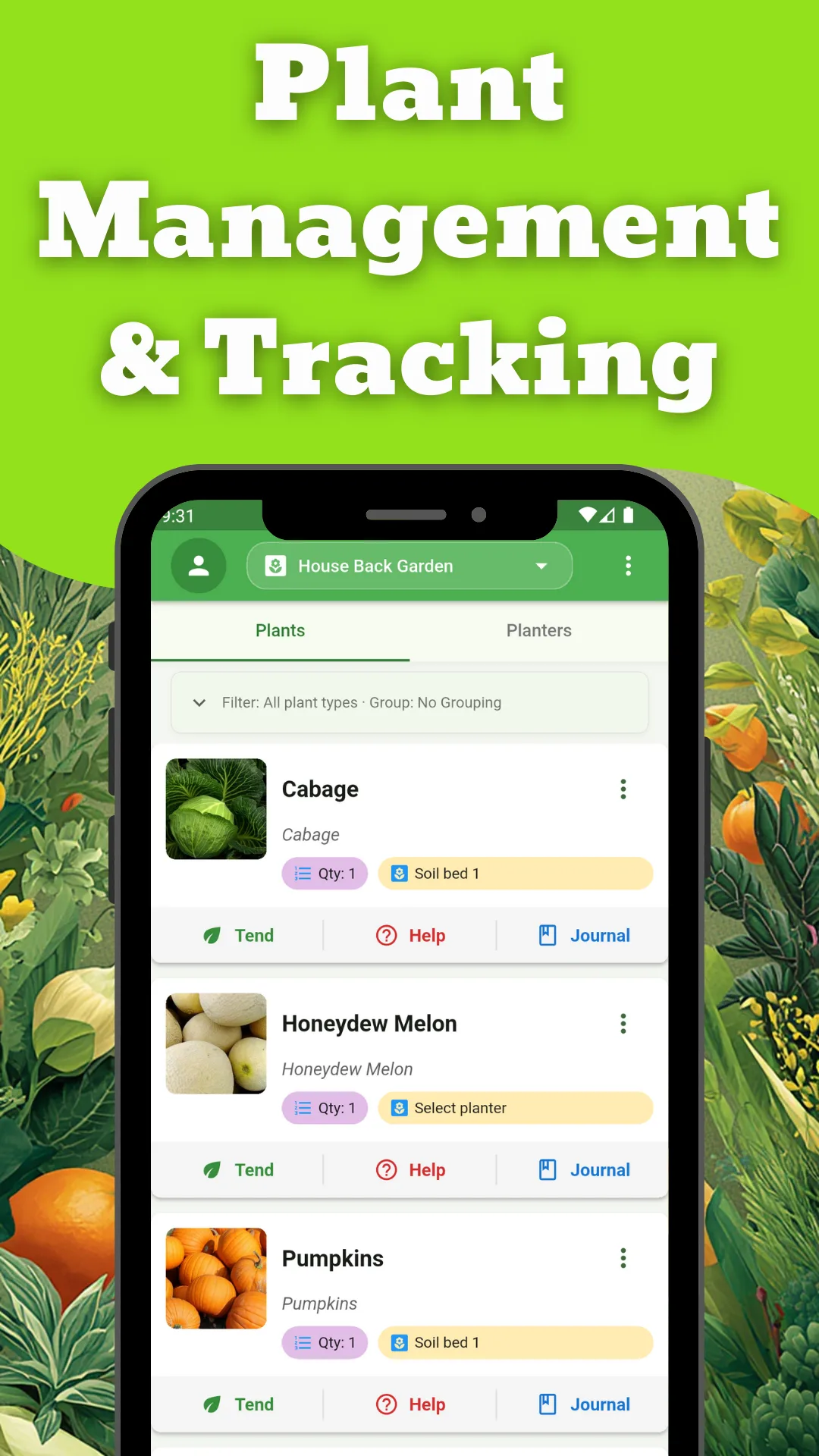
Multi-garden management
Create and switch between as many gardens as you keep, each organised by individual plants or by planters and beds managed as a unit.
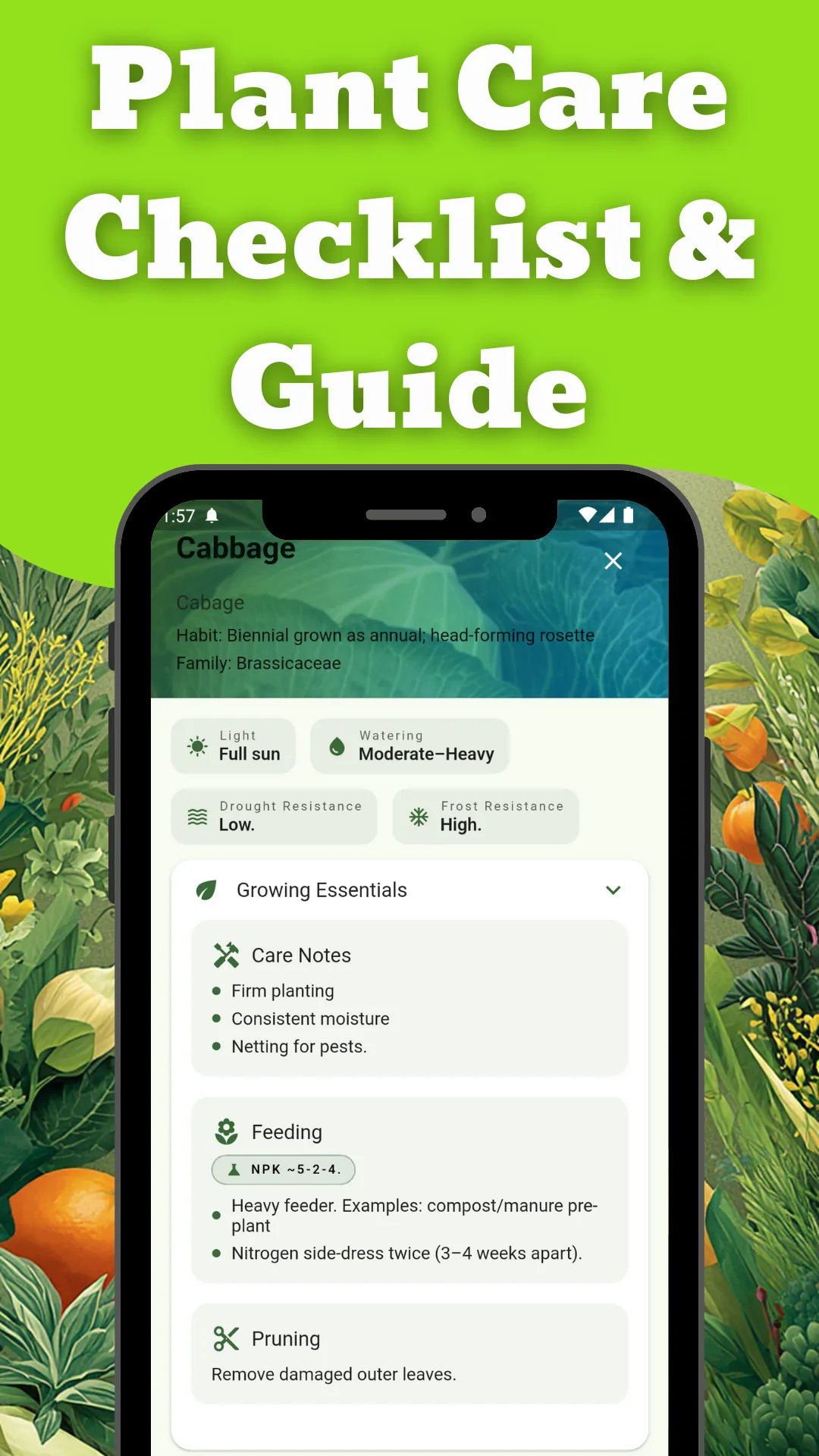
Tend: log every care action
Watering, fertilizing, pruning, weeding, mulching, transplanting and harvesting — each with notes and photos, each filed automatically into that plant's timeline.
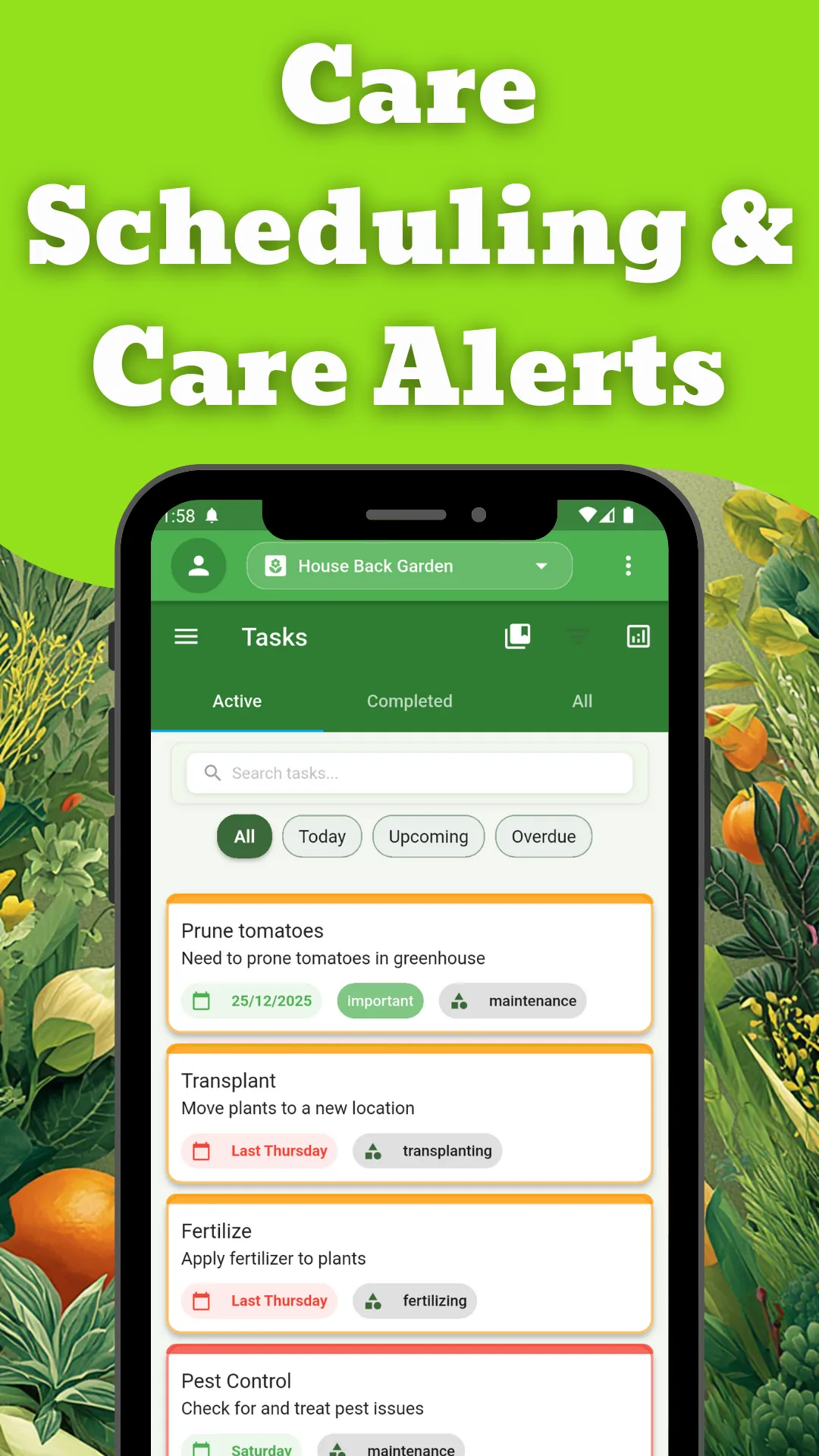
Tasks and to-dos
Filter by status or urgency, set priorities, group tasks into collections, and add routine jobs from templates in a couple of taps.
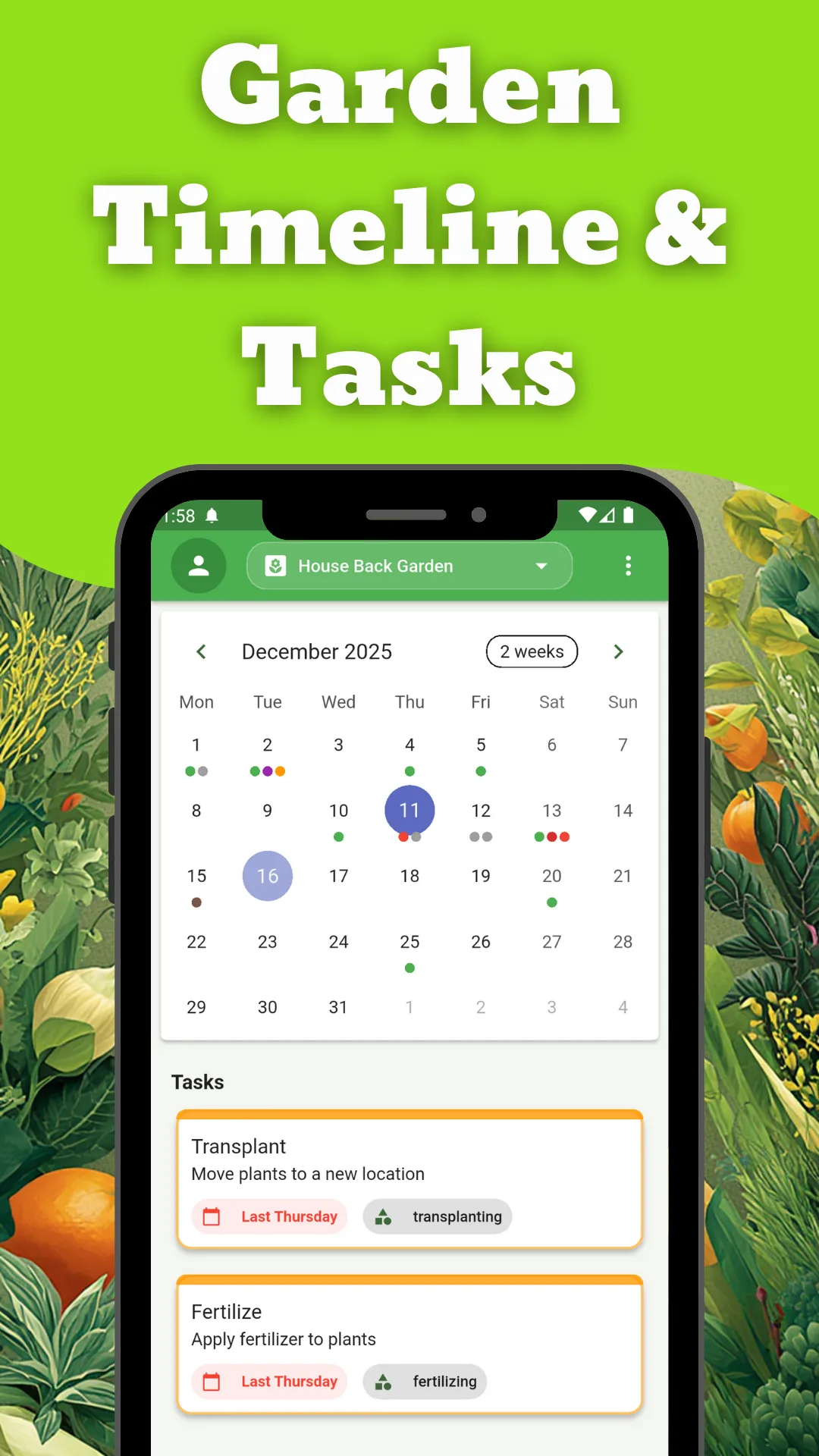
Interactive calendar
Monthly and daily views with colour-coded markers for what has happened and what is due, so the year is visible at a glance.
Seed vault & inventory
Catalogue seeds, tools, fertilizers, pots and soil with quantities, and set expiry dates so you are warned before the neem oil or the seed packet goes bad.
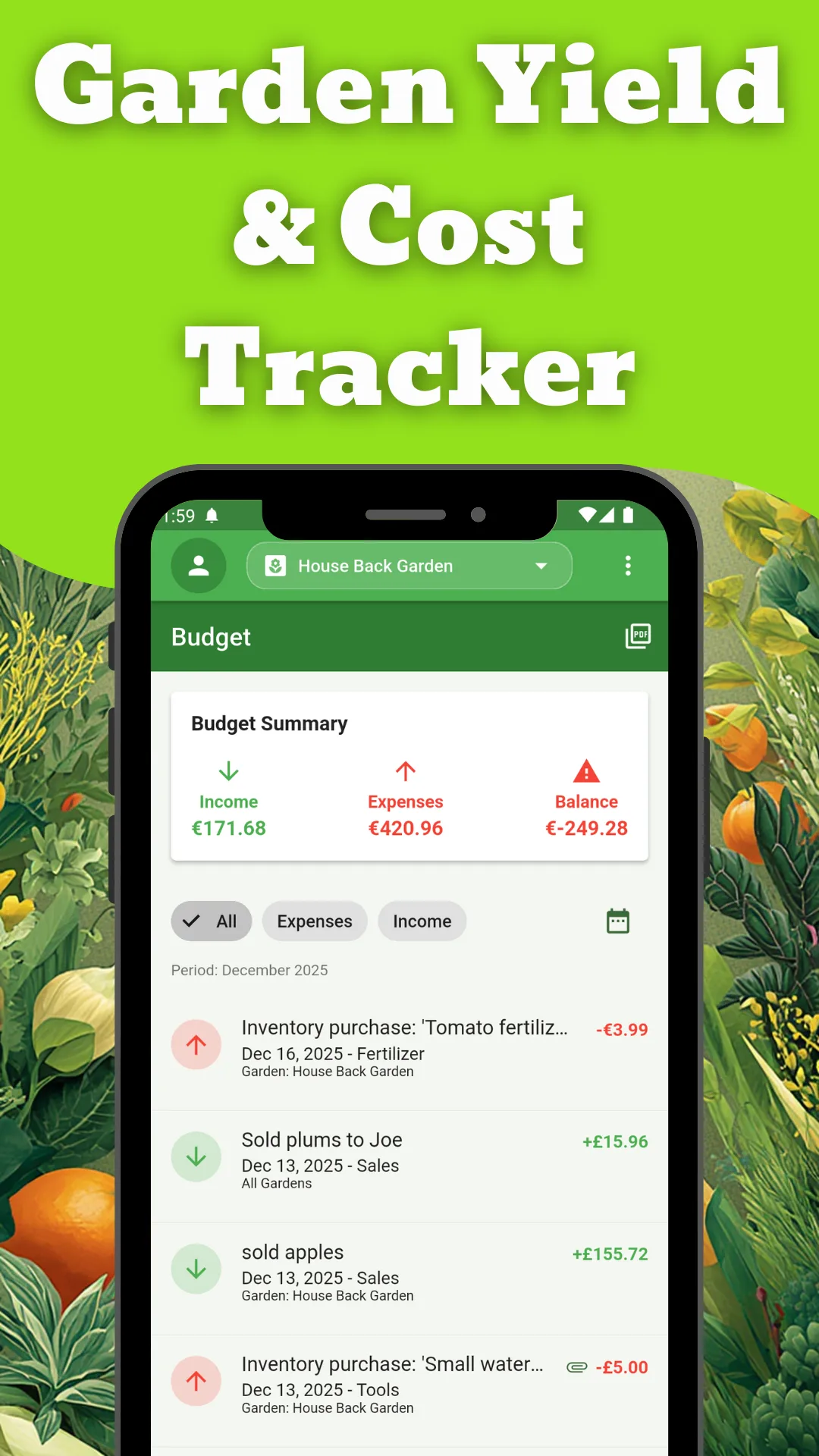
Budget tracker
Expenses and income, a live summary of the balance, filterable transaction history, and professional PDF reports for your records.
Gallery & plant journals
Every photo you attach — to a plant, a task or a journal entry — lands in one gallery, and each plant keeps a visual diary you can share.
Day & night themes
Full light and dark modes, plus in-app user guides covering every feature of the app.
From empty app to running garden
Create a garden
Name the space — back garden, greenhouse, allotment — and add as many as you keep.
Add your plants
Enter them by hand or scan one with the camera to fill in the species, then place it in a planter or bed.
Tend as you go
Log each watering, feed, prune and harvest with a photo. The journal, gallery and calendar fill themselves in.
Plan the next job
Set tasks and expiry reminders, and check the calendar before the weekend so nothing gets missed.
See it in the app
Tap any screenshot to open it full size — arrow keys move between them.
Facts and figures
- Category
- Productivity · Gardening
- Platform
- Android & iOS
- Price
- Free with in-app purchases
- Content rating
- Everyone
- Themes
- Light and dark
- Exports
- PDF budget reports
Before you install
Is it only for big gardens?
No. It works the same for a few pots on a balcony as it does for several allotment plots — you just create fewer gardens and fewer plants.
What does the AI scanner actually identify?
Three things. A plant, giving species, scientific name, care and sunlight needs, and toxicity or edibility. A problem, giving the pest or disease, organic and chemical treatments, and how urgent and contagious it is. An insect, giving the species and whether it is beneficial or harmful in the garden.
Do I have to log every watering?
Only if you want the history. Tend actions take a couple of taps and build the plant's timeline over the season, but the app is perfectly usable as a plant list with tasks.
Can I track more than one plot?
Yes. Multi-garden support lets you switch between spaces, and tasks, budget entries and journal photos each know which garden they belong to.
Will it remind me before seeds expire?
Yes. Inventory items can carry an expiry date, and you get a notification in time to use or replace them.
Is it on iPhone?
Yes — Garden Grow Pilot is on both Google Play and the App Store.
Our other apps
Start growing smarter
Free to download on Android and iOS, with everything from the first plant to the last harvest in one place.