
Home Morph
Redesign your actual room, not a stock photo.
Take a picture of the room you want to change, tell Home Morph what you have in mind, and it hands back a redesigned version of that same space. No measuring, no 3D modelling, no design degree — just a photo and a sentence.
From a photo of your room to a room you want
Pick a step to see the screen it belongs to — or leave it running.
What you can do with it
Your room, not a template
The redesign is built on the photo you took, so the result is recognisably your space — same windows, same proportions, new everything else.
Try before you spend
See a colour, a floor or a whole style in place before you buy the paint. Settle the dark-walls-or-light argument with a picture instead of an opinion.
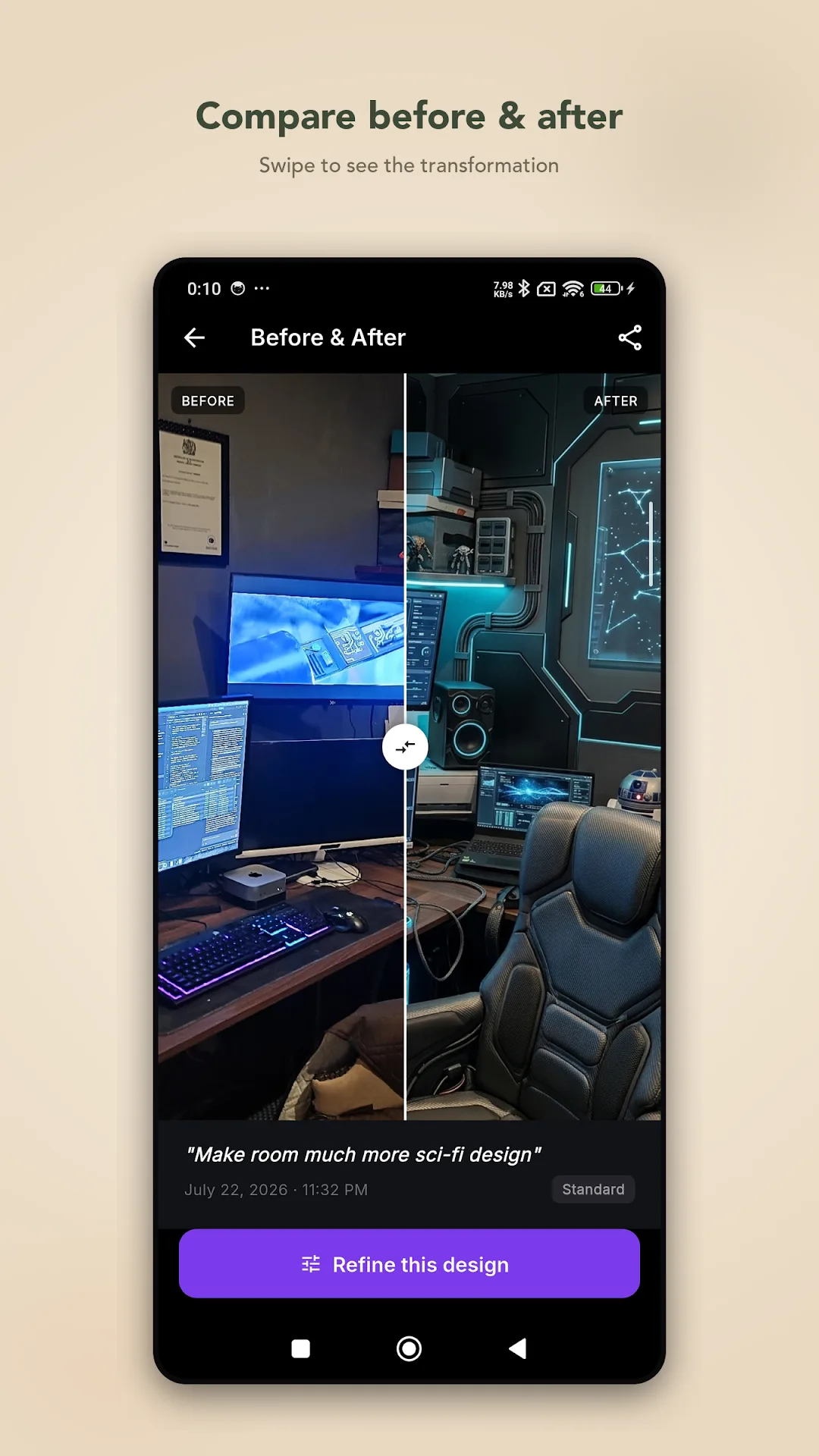
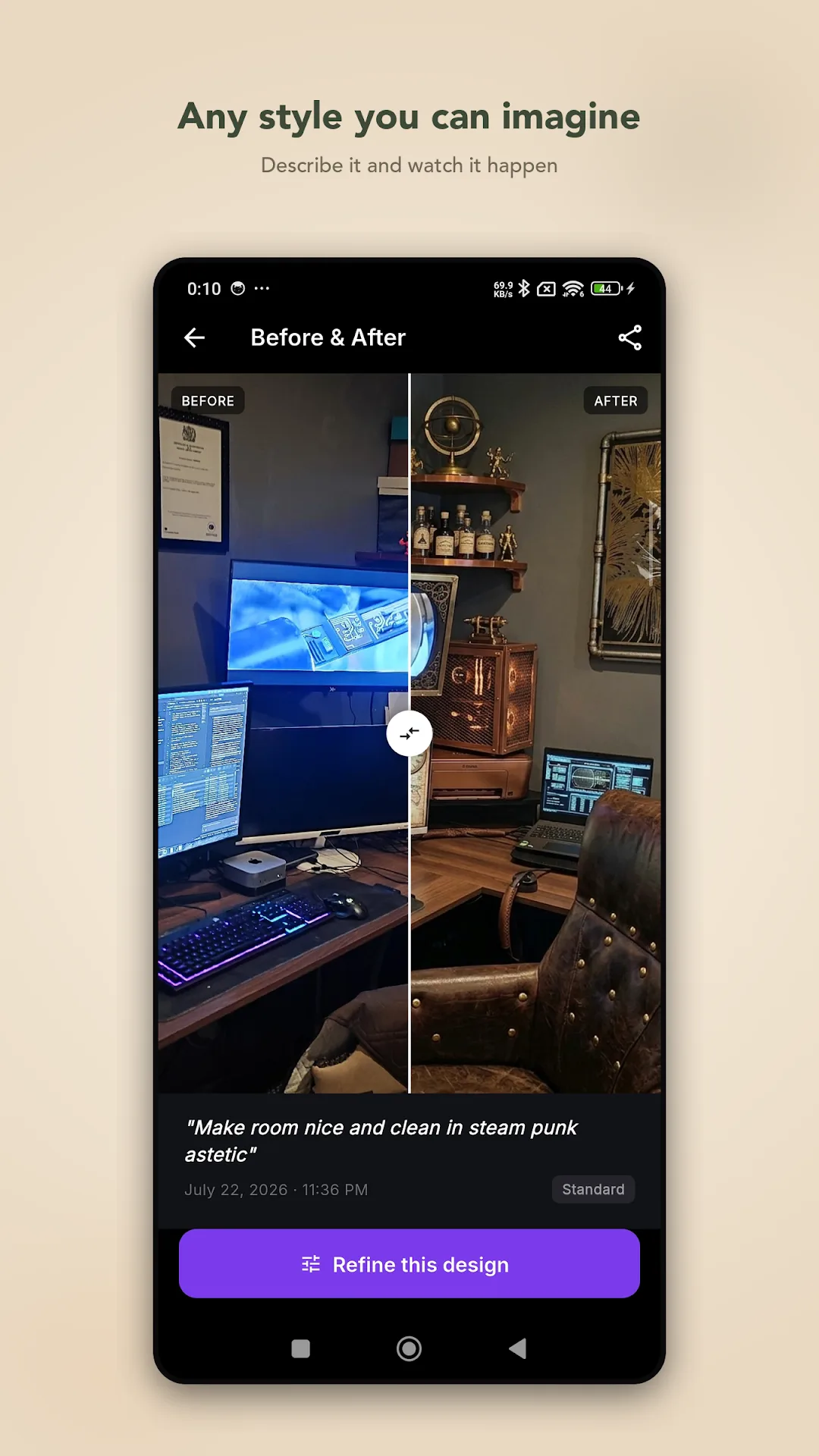
Before & after slider
Drag between the original and the redesign, then share the comparison straight from the app.
Refine without restarting
Ask for a different colour, swap a piece of furniture or push the look further. Home Morph reworks the existing image rather than generating something unrelated.
Everything is saved
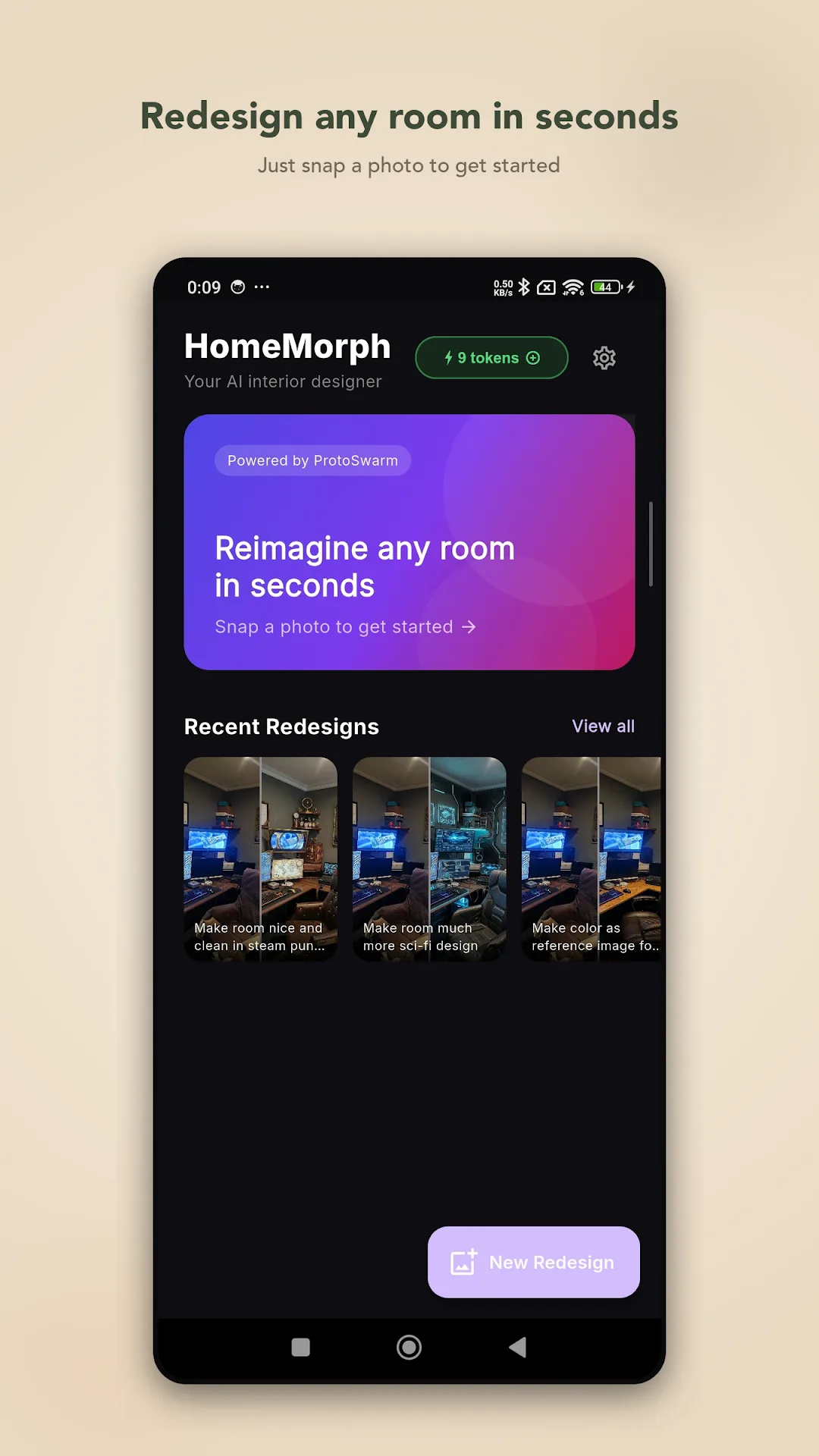
Each redesign goes to your history with the prompt that made it, so you can come back, compare, share or keep refining later.
Staging and selling
Stage a room you are selling or renting, or show a client an idea for a renovation, without hiring anyone or moving furniture.
Four steps, about a minute
Snap the room
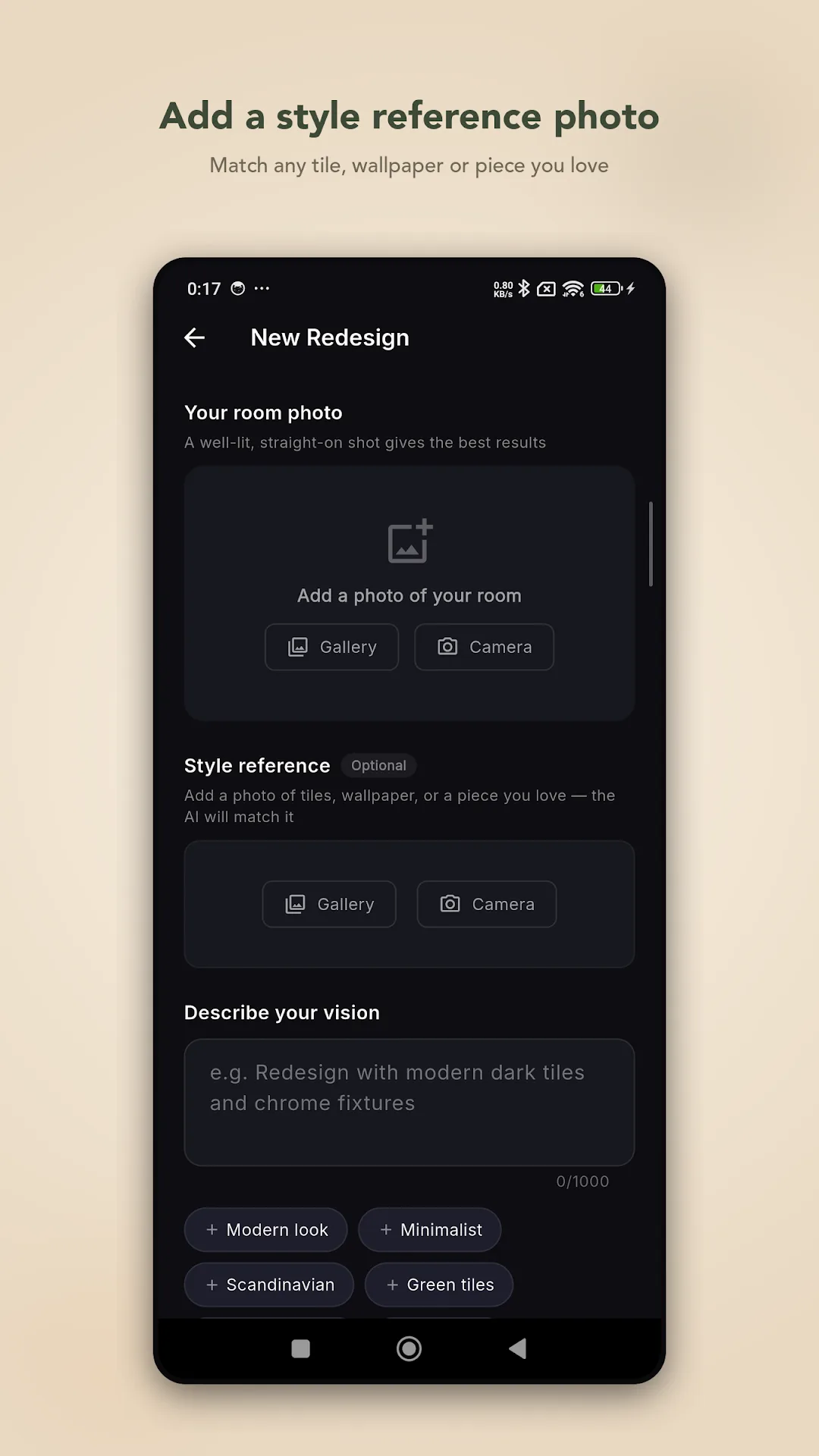
Camera or gallery. A well-lit, straight-on shot gives the best results.
Say what you want
Describe the change in a sentence, or add a style reference photo and let the AI match it.
Get it back
The redesign arrives in seconds, opening in a before-and-after comparison.
Refine or share
Push the look further, or send the comparison to whoever needs convincing.
A few honest notes
Home Morph gives you ideas and inspiration, not construction plans. Results are AI-generated, so treat them as a starting point for the real thing — and the more specific your description, the closer you will get to what is in your head.
See it in the app
Tap any screenshot to open it full size — arrow keys move between them.
You only spend when you generate
No subscription and no locked features — every part of the app is available from the first run.
One token per redesign
Generating an image costs a token. Browsing, comparing, sharing and refreshing your history cost nothing.
Free tokens to start
You begin with enough tokens to try the app properly, not a single teaser generation.
Top up or watch an ad
Buy more tokens whenever you run out, or earn one by watching a short ad if you would rather not pay.
Facts and figures
- Category
- House & Home
- Platform
- Android
- Price
- Free with token purchases
- Content rating
- Everyone
- Needs
- Camera or gallery access, internet
- Ads
- Optional, to earn tokens
Before you install
Does it redesign my real room or a generated one?
Your real room. The redesign is built from the photo you supply, which is the whole point — you see your own space changed, not a showroom that happens to look similar.
What makes a good photo?
Well lit and straight on. Corners, heavy shadow and extreme angles give the model less to work with.
Do I have to write a description?
No. You can add a second photo as a style reference instead — a tile, a wallpaper, a chair — and the AI matches it. Writing a sentence as well usually gets you closer.
What if the result is nearly right?
Refine it. Ask for a different colour, swap a piece of furniture, or push the whole look further, and Home Morph reworks that image rather than starting from scratch.
Is there a subscription?
No. Redesigns cost a token each, you start with free ones, and you top up only when you want more. Nothing is locked behind a recurring payment.
Can I use the results for building work?
Treat them as inspiration, not plans. They are AI-generated images meant to help you decide what you want before you commission the real thing.
Is there an iPhone version?
Not at the moment. Home Morph is Android only.
Our other apps



Point it at a room and see what it comes back with
Free tokens to start, no subscription, results in seconds.